Best Checkout for WooCommerce: Payment Gateways & Flow Guide
Optimizing your store’s checkout experience is the fastest way to increase online sales and lower cart abandonment. Determining the best checkout for woocommerce requires balancing site loading speed, transaction security, and customer convenience.
Whether you are evaluating the best woocommerce checkout plugin solutions or choosing the best payment gateway for wordpress, this guide reviews checkout configurations and optimization strategies.
1. One Page Checkout vs Multi Step Checkout Architectures
A primary decision when optimizing checkout UX is choosing between a single-page flow and a multi-step checkout workflow:
Plaintext
+-----------------------------------------------------------------------------------+
|               ONE PAGE CHECKOUT VS. MULTI-STEP CHECKOUT COMPARISON                |
+-----------------------------------------------------------------------------------+
| One Page Checkout (Single Screen):                                                |
| - Best For: Digital asset downloads, consulting fees, single-product landing pages.|
| - Advantages: Fewer form fields, zero page transitions, faster completion.        |
|                                                                                   |
| Multi-Step Checkout (Progressive Accordion):                                      |
| - Best For: Physical stores with shipping calculations & gift options.           |
| - Advantages: Reduces visual clutter on long forms; separates address input.     |
+-----------------------------------------------------------------------------------+
When analyzing one page checkout vs multi step checkout setups:
- One Page Checkout: Combines cart review, billing details, and payment collection on a single screen. Ideal for digital assets, subscriptions, and single-item landing pages.
- Multi Step Checkout: Divides purchasing into progressive stages (Shipping -> Billing -> Payment). Best suited for complex physical retail stores requiring address verification.
2. Integrating Modern On-Site Payment Gateways
To maximize conversion rates, your payment gateway must support embedded card fields and mobile wallet options (Apple Pay, Google Pay).
Embedded Stripe Elements Gateways
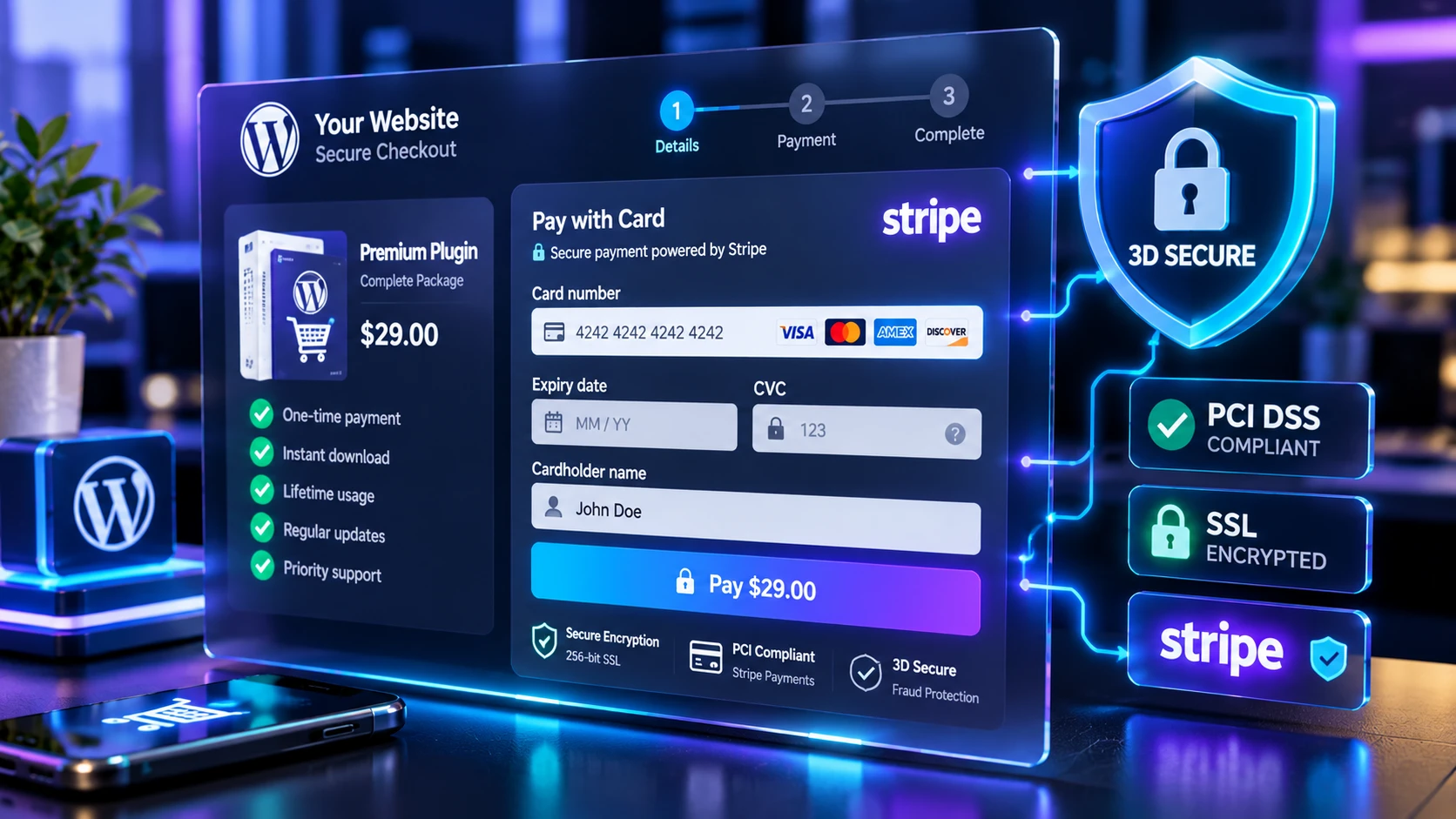
Instead of redirecting users to offsite pages, implement modern credit card checkout forms using the ZAD Stripe Credit Card Payments Plugin. Card numbers are entered securely inside mounted Stripe Elements iframes, ensuring complete SAQ-A PCI compliance while displaying real-time transaction receipts directly on your domain.
Single-Click PayPal Gateways
To serve buyers who prefer PayPal, deploy the ZAD Simple PayPal Payment Button Plugin. It connects directly to PayPal’s encrypted checkout modal without loading unnecessary WooCommerce cart scripts.
3. Configuring Custom Redirects (woocommerce redirect after checkout)
Guiding buyers to a tailored confirmation page after a successful purchase improves post-sale onboarding. Configuring a custom woocommerce redirect after checkout URL allows store managers to:
- Route buyers to private digital download areas or client intake forms.
- Display personalized video onboarding messages and upsell recommendations.
- Track conversion goals accurately inside Google Analytics and Meta Pixel dashboards without tracking duplicate page reloads.
4. Master E-Commerce Payment Architecture Guide
Read our master WordPress E-Commerce & Payment Plugins Guide to explore global payment gateway architectures, database optimization techniques, and security standards.
5. Frequently Asked Questions (FAQ)
How do I reduce cart abandonment on mobile devices?
Enable digital wallet triggers (Apple Pay and Google Pay) via Stripe Elements and remove non-essential checkout fields like secondary address lines or phone numbers.
Is an SSL certificate required for single-page checkouts?
Yes. Modern web browsers and payment gateway APIs enforce HTTPS encryption across all checkout pages.