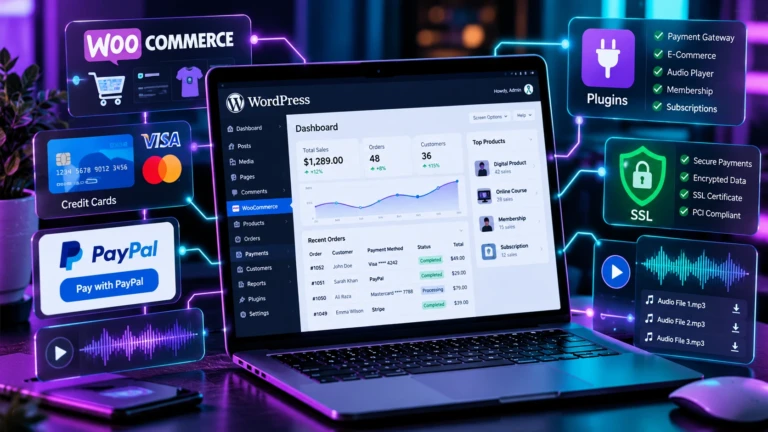
WooCommerce for Services: Accept Payments Without Cart Bloat
Selling digital consulting, freelance retainers, agency service packages, or professional advice on WordPress requires a streamlined payment setup that differs significantly from running a traditional physical product storefront. Forcing service clients through multi-step shopping cart pages, shipping address inputs, and inventory checkouts introduces unnecessary friction that drives down client conversion rates.
While searching for woocommerce for services is common among freelancers and agency owners looking to bill clients online, adopting full shopping cart frameworks for simple service retainers is often inefficient. Lightweight wordpress payment processing methods offer a faster, cleaner alternative that bypasses shopping carts entirely.
1. Comparing WooCommerce for Services vs. Shortcode Gateways
Setting up woocommerce for services allows you to list service items as virtual downloadable products and send order invoice links to clients. However, running WooCommerce strictly for service billing introduces underlying technical overhead:
- Database Overhead: WooCommerce creates custom database tables to manage carts, coupons, shipping zones, and tax rates—features completely irrelevant to digital service billing.
- Page Render Delays: Cart engines execute global session checks across every page of your site, which can impact server response times.
- Checkout Friction: Asking a corporate client to navigate a multi-step checkout workflow to pay a $500 retainer invoice creates unnecessary delay.
By contrast, lightweight shortcode solutions allow you to embed clean checkout forms or instant PayPal triggers directly inside custom client invoice pages or service landing cards.
2. Setting Up WordPress with Payment Gateway Shortcodes
To configure wordpress with payment gateway triggers without installing cart software, you can deploy dedicated, standalone plugins designed for zero database bloat:
Plaintext
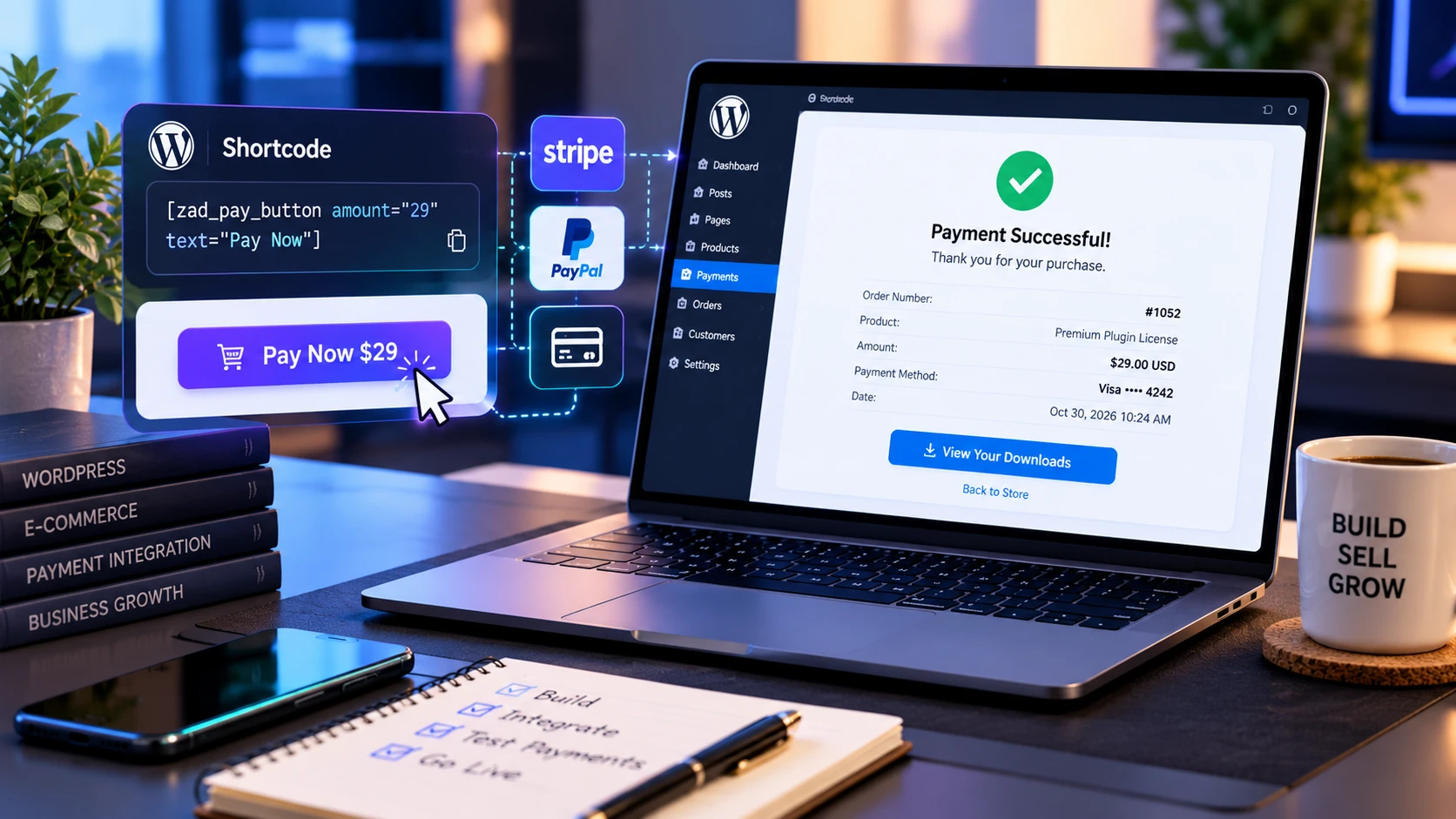
+-----------------------------------------------------------------------------------+
|                        SHORTCODE PAYMENT FLOW FOR SERVICES                        |
+-----------------------------------------------------------------------------------+
| 1. Create Invoice Landing Page (`/pay-invoice-102/`).                             |
| 2. Insert Gateway Shortcode: `[zad_stripe_payment amount="500.00"]`.              |
| 3. Client Enters Card Details Directly On-Page via Encrypted Stripe Elements.     |
| 4. Instant On-Page Receipt & Automated Custom Thank-You Redirect.                 |
+-----------------------------------------------------------------------------------+
Option A: Instant PayPal Buttons for Service Retainers & Invoices
For client billing via PayPal, install the ZAD Simple PayPal Payment Button Plugin. It allows you to generate shortcodes configured with fixed retainer amounts or open custom input fields for variable invoices:
- Fixed Consultation Fee Shortcode:
[zad_paypal_button item_name="SEO Strategy Audit" amount="150.00" style="blue"] - Custom Variable Invoice Shortcode:
[zad_paypal_button item_name="Freelance Retainer Settlement" allow_custom="true" button_text="Pay Invoice"]
Option B: Embedded On-Site Credit Card Processing via Stripe
If you prefer accepting credit cards directly on your domain without redirecting clients offsite, deploy the ZAD Stripe Credit Card Payments Plugin. Built on official Stripe Elements, it captures card data securely inside mounted iframes and displays verified transaction IDs instantly on the page:
- Fixed Retainer Card Form:
[zad_stripe_payment amount="300.00" item_name="Monthly Maintenance Plan" button_text="Pay $300 Retainer"]
3. Alternative Form Plugins vs. Dedicated Shortcodes (wppayform Comparison)
When evaluating form-based payment tools like wppayform or generic form builders, developers often find that general contact form plugins add heavy JavaScript bundles and complex CSS stylesheets to handle basic card collection.
Single-purpose plugins like ZAD Simple PayPal and ZAD Stripe are coded with zero dependencies—loading scripts conditionally strictly where shortcodes are present to keep your Core Web Vitals optimal.
4. Complete E-Commerce & Payment Architecture Guide
To explore full payment system setups, PCI compliance details, and compare cart software against shortcodes, read our master WordPress E-Commerce & Payment Plugins Guide.
5. Frequently Asked Questions (FAQ)
Can I invoice clients with variable amounts without creating new pages?
Yes! By setting allow_custom="true" inside your shortcode, an editable text field appears above the payment form, allowing clients to type in their exact invoice total manually.
Do I need a merchant bank account to accept service payments on WordPress?
No. You only need a verified PayPal account or a free Stripe account to enter API keys into plugin settings and begin accepting payments immediately.