ZAD Simple PayPal Payment Button: Free Download & Setup Guide
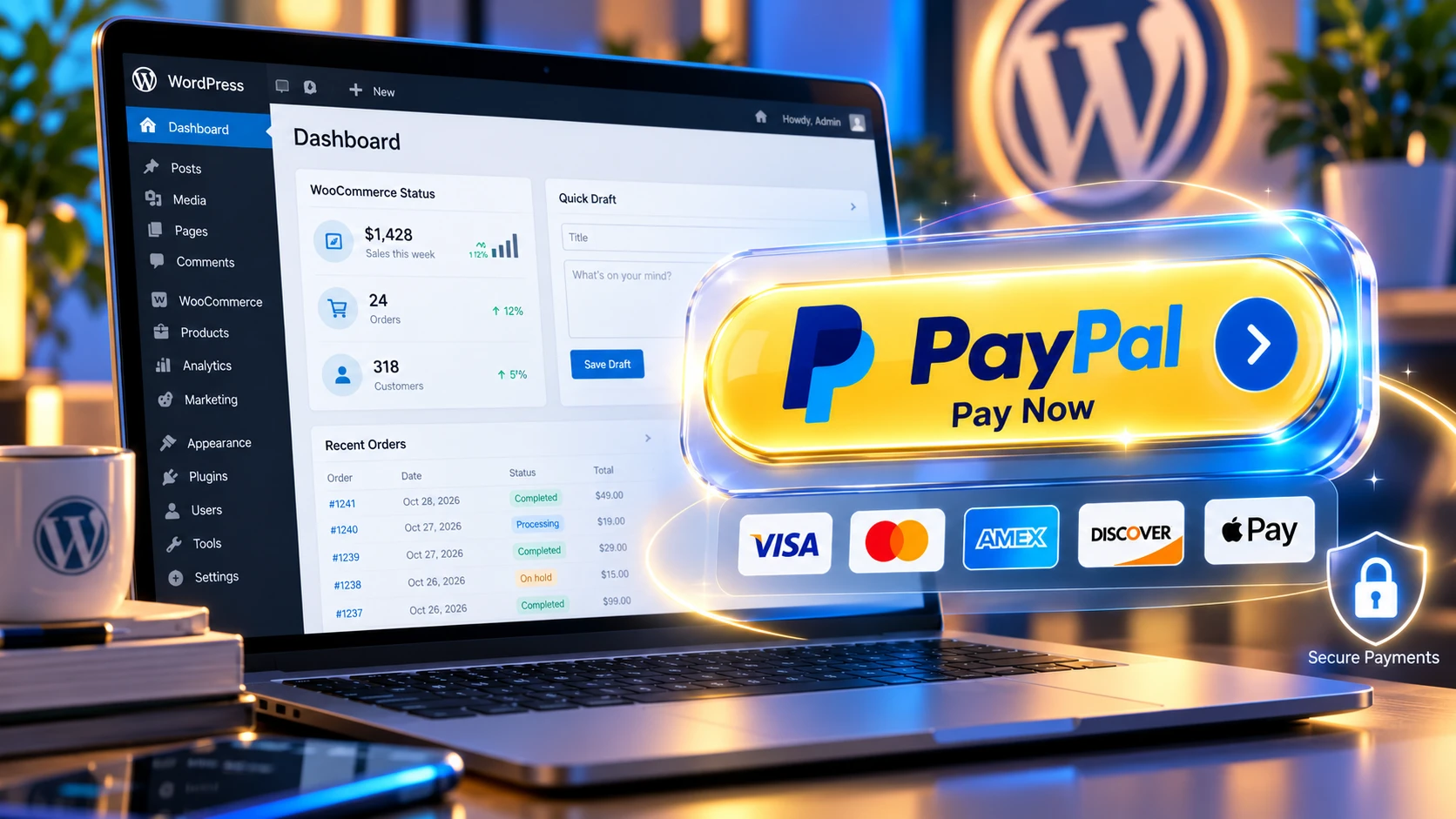
Accepting online payments, consulting fees, digital service retainers, or user donations on a WordPress website should be a seamless, high-speed, and secure process. Unfortunately, many website owners fall into the trap of installing massive, bloated e-commerce platforms like WooCommerce or multi-step checkout plugins simply to place a single payment button on a web page. Heavy frameworks install dozens of unnecessary database tables, load heavy external scripts on every page, and slow down your site speed—negatively impacting your core web vitals and overall search engine rankings.
The ZAD Simple PayPal Payment Button plugin was engineered from the ground up to eliminate this bloat. Built on a ultra-clean single-file architecture, this lightweight WordPress plugin provides a secure, shortcode-based gateway that lets you accept payments or custom donations directly into your PayPal merchant account within seconds. Whether you run a freelance service agency, a non-profit donation campaign, a digital consulting portal, or a content platform, this plugin delivers maximum performance with zero unnecessary setup friction.
The Danger of Plugin Bloat: Why Traditional E-Commerce Frameworks Hurt Your Site
When you install complex e-commerce platforms just for simple transactions, your hosting server takes a massive hit. Traditional shopping cart plugins add complex cart sessions, checkout steps, inventory systems, and automatic coupon engines that execute even when your visitor is simply reading a blog post.
Here is how ZAD Simple PayPal Payment Button compares to heavy e-commerce alternatives:
- Zero Database Tables Created: Traditional e-commerce plugins add upwards of 15 to 30 custom tables to your MySQL database. Our plugin runs using standard WordPress options and hooks, keeping your database completely clean.
- No Site-Wide Script Loading: Many checkout plugins force heavy JavaScript and CSS files to load across every single page of your website. ZAD Simple PayPal Payment Button only executes scripts where the active shortcode is rendered.
- Instant Checkout Redirection: Instead of forcing buyers through a cart page, a checkout page, and an account creation page, visitors click one button and land straight on PayPal’s high-converting encrypted checkout screen.
Detailed Breakdown of Key Plugin Features
Every line of code inside the ZAD Simple PayPal Payment Button plugin has been optimized for reliability, safety, and customization.
Plaintext
+-----------------------------------------------------------------------------------+
|                   ZAD SIMPLE PAYPAL PAYMENT BUTTON ARCHITECTURE                   |
+-----------------------------------------------------------------------------------+
| [Front-End Shortcode] ---> [Local Validation] ---> [Encrypted PayPal Gateway]    |
|                                                                                   |
| Features:                                                                         |
| 1. Fixed Price Mode: Preset product or service billing amounts.                   |
| 2. Custom Amount Mode: User-entered variable values for client invoices.          |
| 3. Sandbox / Live Mode: Instant switching for risk-free API testing.              |
| 4. Redirect Engine: Custom Thank-You & Cancellation landing URLs.                  |
+-----------------------------------------------------------------------------------+
1. Flexible Pricing Models (Fixed Amounts vs. Custom User Inputs)
Different business models require different payment structures. This plugin provides full operational control through simple shortcode parameters:
- Fixed Service Fees: Lock down precise billing amounts for digital items, strategy calls, or fixed retainer packages (e.g.,
$150.00). - Custom User Inputs: Perfect for non-profit fundraising or variable invoice settlement. By enabling the custom amount parameter, an interactive input box allows buyers to type in whatever dollar value they wish to submit.
2. Built-in Sandbox Testing Environment
Never launch a live payment button without testing it first. The plugin backend features an instant toggle between PayPal Sandbox mode and PayPal Live mode. Developers can test button execution, currency rendering, and redirection logic using PayPal Developer Sandbox accounts before opening the page to real customers.
3. Dedicated Custom Redirect URL Management
Controlling the post-purchase user experience is vital for client onboarding and lead tracking. The plugin settings panel allows you to specify custom URLs for both successful purchases and canceled transactions:
- Return URL (Success): Automatically route verified buyers to a private client intake form, a digital file download hub, or a custom video Thank You page.
- Cancel URL (Failure/Abort): Direct users who close the checkout modal back to a sales recovery page, offer assistance via live chat, or prompt them with an alternative payment method.
4. Built-in Visual Themes and Button Styling
Design consistency matters for conversion rates. The plugin includes pre-configured visual button styles designed to fit modern web palettes:
- Classic Gold: Matches official PayPal branding for instant buyer trust.
- Corporate Blue: A sleek, modern blue shade ideal for tech agencies and SaaS platforms.
- Dark Theme: High-contrast dark styling engineered for dark-mode websites and creative blogs.
Complete Technical Documentation & Shortcode Usage
You can deploy the ZAD Simple PayPal Payment Button anywhere shortcodes are supported in WordPress—including Gutenberg blocks, Elementor text widgets, classic editors, and sidebar widgets.
Shortcode Syntax Cheat Sheet
| Parameter | Type | Default Value | Description |
item_name | String | Payment | Name of the service, product, or donation cause. |
amount | Float | 10.00 | The fixed numerical cost charged to the buyer. |
allow_custom | Boolean | false | Set to true to display a custom input box for users. |
currency | String | USD | Standard ISO currency code (USD, EUR, GBP, CAD, AUD). |
style | String | gold | Select visual button color scheme (gold, blue, dark). |
button_text | String | Pay Now | Custom label displayed inside the button element. |
Code Implementation Examples
Example 1: Standard Fixed Service Consultation Fee
Plaintext
[zad_paypal_button item_name="1-on-1 SEO Strategy Call" amount="150.00" style="blue" button_text="Book Strategy Call"]
Example 2: Non-Profit Donation Box with Custom Amount
Plaintext
[zad_paypal_button item_name="Community Support Fund" allow_custom="true" style="gold" button_text="Donate via PayPal"]
Example 3: International Freelance Invoice Settlement in GBP
Plaintext
[zad_paypal_button item_name="Invoice #1092 Settlement" amount="450.00" currency="GBP" style="dark" button_text="Pay Invoice (£450)"]
Step-by-Step Installation and Backend Setup
Installing and configuring the plugin takes less than three minutes:
- Download the Package: Download the official verified
.zipplugin package using the direct server mirrors provided below. - Upload to WordPress: Log into your WordPress administrative dashboard, navigate to Plugins > Add New Plugin, click Upload Plugin at the top of the screen, choose the unzipped
.zipfile, and click Install Now. - Activate Plugin: Once uploaded, click the Activate Plugin button.
- Configure Merchant Settings: Go to Settings > PayPal Button in your admin menu.
- Enter your verified PayPal Merchant Email Address.
- Select your primary website currency.
- Input your custom Thank You Page URL and Cancel Page URL.
- Choose your default environment toggle (Sandbox for testing or Live for real sales).
- Publish Your Shortcode: Copy your desired shortcode string and paste it into any page, post, or widget location.
Download ZAD Simple PayPal Payment Button (.zip)
Get the latest, stable version of the ZAD Simple PayPal Payment Button plugin directly from our secure CDN distribution mirrors below:
- 📥 Download Mirror 1 (Fast Direct Download – Google Cloud / Namecheap Mirror)
- 📥 Download Mirror 2 (High-Speed Alternate Server – NameSilo Mirror)
Frequently Asked Questions (FAQ)
Do I need a complex PayPal Developer API account to use this plugin?
No! Unlike complicated payment gateways that require configuring OAuth tokens, REST API keys, and client secrets, this plugin only requires your standard verified PayPal email address to begin receiving funds immediately.
Does this plugin store credit card or transaction data on my host server?
No. All financial processing occurs directly on PayPal’s offsite, PCI-compliant, SSL-encrypted payment infrastructure. No sensitive financial credentials or payment card numbers ever touch or store inside your WordPress server database.
Can I place multiple payment buttons on the same web page?
Yes! You can insert as many shortcodes as you like on a single page, each configured with different item names, fixed amounts, or visual button themes.
Is this plugin compatible with modern Gutenberg Block themes and Elementor?
Yes. The plugin is coded using native WordPress shortcode standards, making it 100% compatible with Gutenberg shortcode blocks, Elementor, Divi Builder, Beaver Builder, and block-based themes.
Related E-Commerce & Payment Resources
Check out our comprehensive sub-pillar guides to explore more ways to optimize your WordPress storefront and digital payment workflows[cite: 6, 7]:
- 📖 Sub-Pillar Guide: Read our complete WordPress E-Commerce & Payment Plugins Guide to explore best practices for accepting global payments, securing transactions, and maximizing revenue without site bloat