Excel vs Budgeting Apps for Expense Tracking: Which Is Better?
📊 Free Spreadsheet: Prefer full control over your financial data? Download our Personal Expense Tracker Spreadsheet.
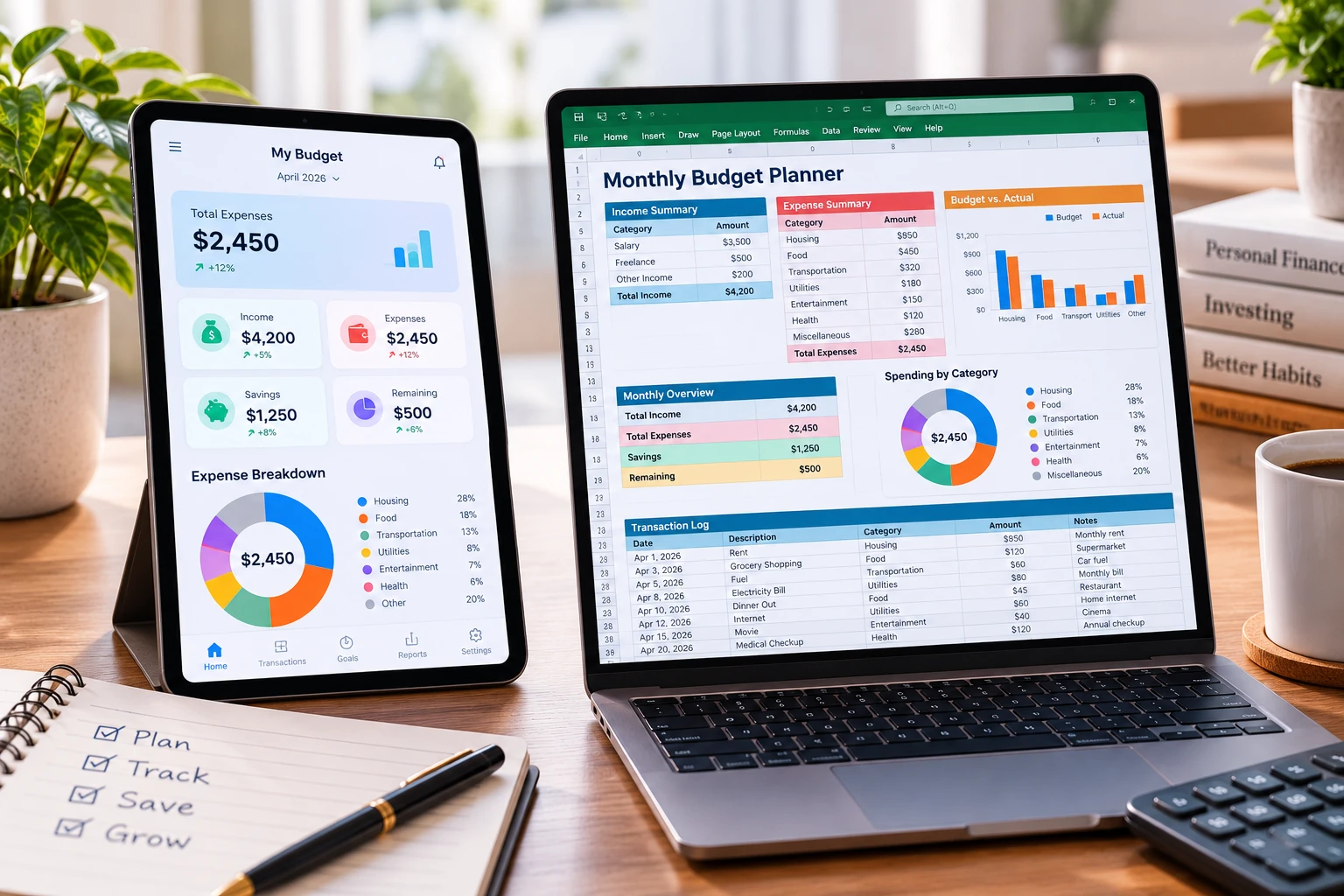
When setting up a personal financial system, one of the first decisions you face is choosing between a spreadsheet template (like Microsoft Excel or Google Sheets) and a dedicated mobile budgeting app.
Both methods have passionate supporters, but understanding the trade-offs regarding privacy, recurring costs, customization, and long-term reliability is crucial for making the right choice.
In this guide, we evaluate Excel vs budgeting apps to help you determine which tool fits your tracking style.
Option 1: Spreadsheet Templates (Excel & Google Sheets)
Spreadsheets remain the benchmark for individuals who want complete ownership and flexibility over their financial planning.
Advantages of Spreadsheets:
- Uncompromised Privacy & Security: Your sensitive financial records stay stored on your local hard drive or personal cloud. You never have to link your live bank account credentials to external servers.
- Zero Subscription Fees: Once downloaded, spreadsheet templates are completely free forever. You avoid paying $5 to $15 per month for premium app features.
- Total Customization: You can modify columns, write custom formulas, create personalized charts, and adapt the layout as your financial situation evolves.
To start tracking with a customizable template, download our free Personal Expense Tracker Spreadsheet.
Disadvantages of Spreadsheets:
- Manual Data Entry: Requires logging transactions manually or importing monthly CSV files from your bank.
Option 2: Dedicated Mobile Budgeting Apps
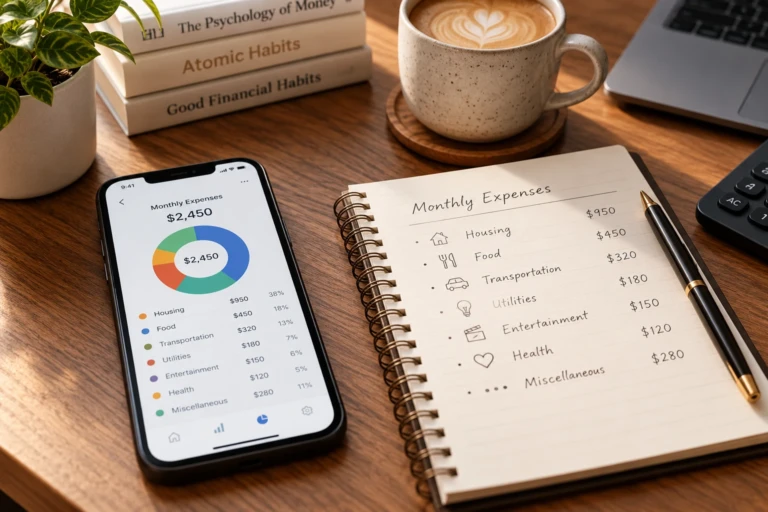
Mobile budgeting applications focus on convenience by linking directly to financial institutions to pull transaction data automatically.
Advantages of Budgeting Apps:
- Automated Syncing: Transactions appear automatically without requiring manual entry.
- On-the-Go Convenience: Easy push notifications and mobile receipt scanning.
Disadvantages of Budgeting Apps:
- Recurring Monthly Costs: Most feature-rich budgeting apps require paid monthly or annual subscriptions.
- Security & Connection Errors: Bank connections frequently break, requiring manual re-authentication or leading to missing transaction data.
- Rigid Categories: Many apps restrict how you can categorize income or customize budget rules.
Head-to-Head Comparison Table
| Feature | Spreadsheet Templates | Mobile Budgeting Apps |
| Cost | 100% Free | Subscription ($5–$15/mo) |
| Data Privacy | High (Stored locally/personally) | Medium (Third-party cloud storage) |
| Customization | Unlimited | Restricted by app interface |
| Bank Connection | Not required / Manual import | Automated (Requires bank sync) |
| Long-Term Control | Permanent access | Dependent on developer updates |
Final Verdict: Which Solution Should You Choose?
If you value automated bank syncing above all else and don’t mind paying recurring subscription fees, a mobile app may work for you.
However, for individuals who prioritize data privacy, zero recurring costs, and full customization control, spreadsheet templates are superior.
To learn how to combine spreadsheet tracking with structured saving rules, explore our main Personal Budget Guide.
Frequently Asked Questions (FAQ)
Can I convert an Excel expense tracker into Google Sheets?
Yes. All standard .xlsx templates convert seamlessly into Google Sheets without breaking pre-set sum or average formulas.
Is manual data entry better for financial discipline?
Yes. Studies show that manually entering daily purchases creates greater psychological awareness of spending habits compared to passive automated syncing.
Bottom Callout (Links to Pillar & Tool):
📖 Financial Resources:
- Return to the main guide: Personal Budget Guide
- Download the template: Personal Expense Tracker Spreadsheet