WooCommerce Upsell Plugin Guide: Boost Digital Store Sales
Selling digital products—such as music beats, audiobooks, stock sound effects, video courses, or design asset packs—requires effective conversion strategies. Relying solely on static product images and text descriptions often leads to low sales.
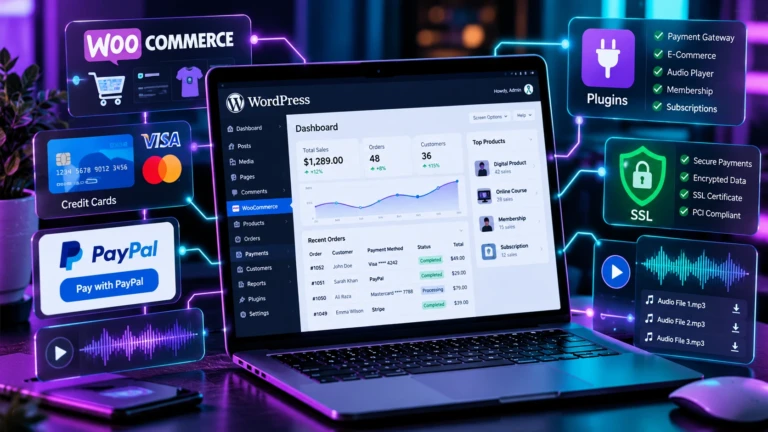
Implementing a woocommerce upsell plugin strategy combined with interactive audio preview controls allows store owners to turn casual listeners into paying customers.
Plaintext
+-----------------------------------------------------------------------------------+
|                       AUDIO PREVIEW UPSELL CONVERSION ENGINE                      |
+-----------------------------------------------------------------------------------+
| 1. Visitor Listens to Audio Sample Clip (e.g., 30s Beat Preview).                  |
| 2. Automated Preview Offsets Enforce Volume Fade-out to Protect Original Asset.   |
| 3. Sticky Mini-Player Maintains Playback While Visitor Browses Catalog Pages.     |
| 4. On Preview End: CTA Overlay Prompts User to "Add Full Track to Cart".          |
+-----------------------------------------------------------------------------------+
1. Converting Digital Asset Buyers with Audio Previews
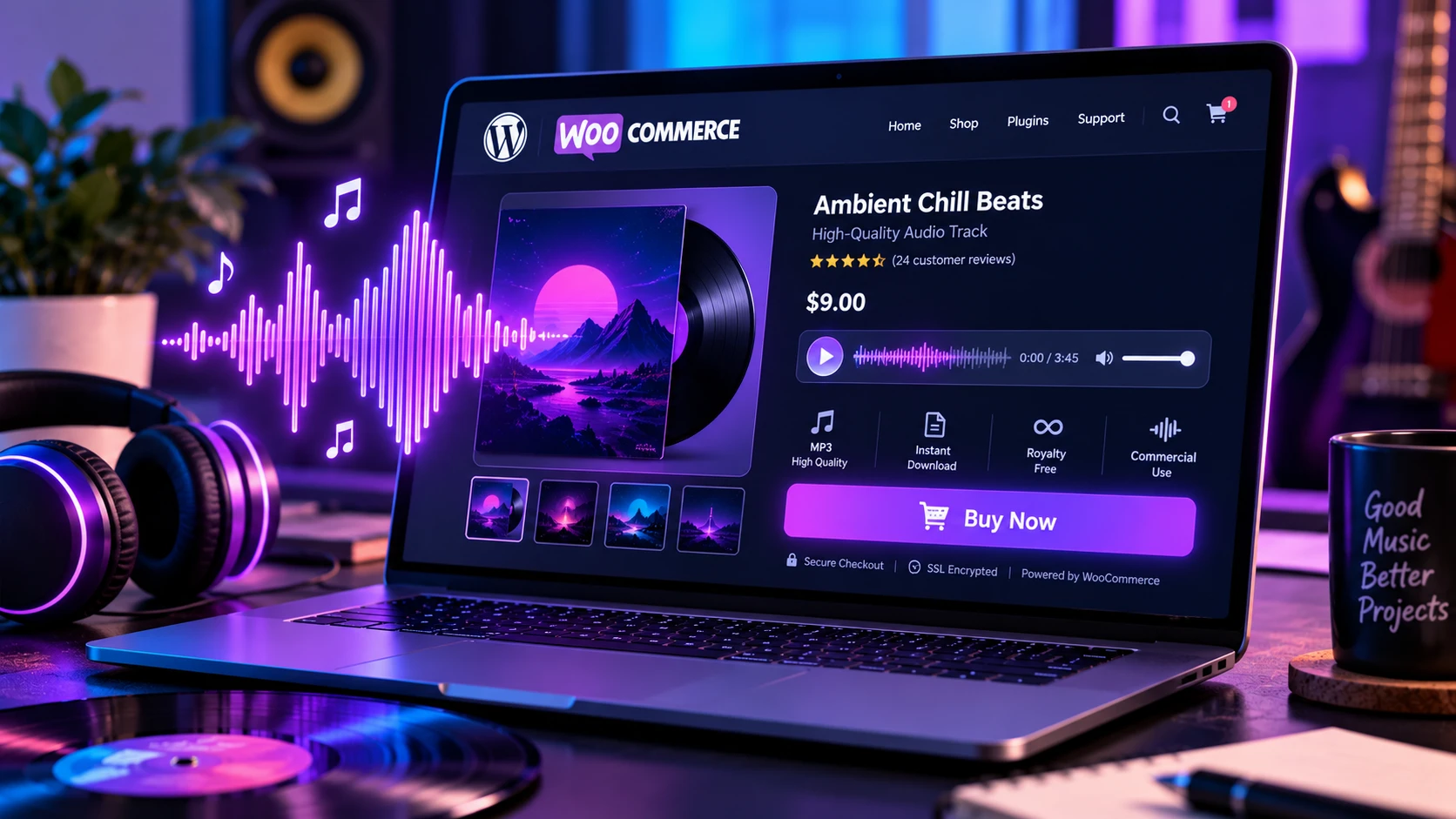
When building your collection of the best woocommerce plugins, adding interactive media previews for digital products should be a top priority. Giving users sample previews with automatic time limits creates purchase urgency and acts as a built-in upsell trigger.
To implement sample previews on your store, install the ZAD Product Music Player Addon:
- Multi-Track Product Meta Boxes: Upload and assign multiple preview audio clips to individual WooCommerce product pages using the native WordPress Media Library.
- Automated Preview Limits: Set custom preview cutoffs (e.g., 30 seconds) with automatic volume fade-outs to protect full commercial tracks.
- Sticky Mini-Players: Mount persistent floating bottom players that maintain playback as visitors browse across catalog pages.
- End-of-Preview Buy Prompts: Automatically display interactive “Add to Cart” call-to-action overlays the moment an audio sample finishes.
2. Flexible Payment Options for High-Ticket Assets (woocommerce deposits)
For high-ticket digital bundles, audio production suites, or client retainers, offering options like woocommerce deposits allows customers to pay in structured installments rather than paying the full amount upfront.
For standalone invoice billing or deposit collections outside WooCommerce, you can also deploy lightweight shortcode gateways:
- ZAD Stripe Credit Card Payments Plugin for embedded credit card processing.
- ZAD Simple PayPal Payment Button Plugin for fast PayPal deposit triggers.
3. Post-Purchase Customer Delivery (woocommerce custom email per product)
After a purchase is completed, delivering digital download keys or access links efficiently improves customer satisfaction. Configuring woocommerce custom email per product settings or using custom redirect URLs ensures buyers receive their files instantly.
4. Complete E-Commerce Storefront Architecture
Read our master WordPress E-Commerce & Payment Plugins Guide to learn more about digital storefront layouts, database optimization, and secure checkout setups.
5. Frequently Asked Questions (FAQ)
Does the ZAD Product Music Player protect my master audio files?
Yes. The plugin plays lower-bitrate sample clips assigned in the media panel, while your full-length master audio files remain protected in secure WooCommerce download directories.
Can I display audio playlists on custom landing pages?
Yes! Use the [zad_music_playlist] shortcode to embed styled audio playlists anywhere on your website.