Free Online Games: Play Instant Browser Games
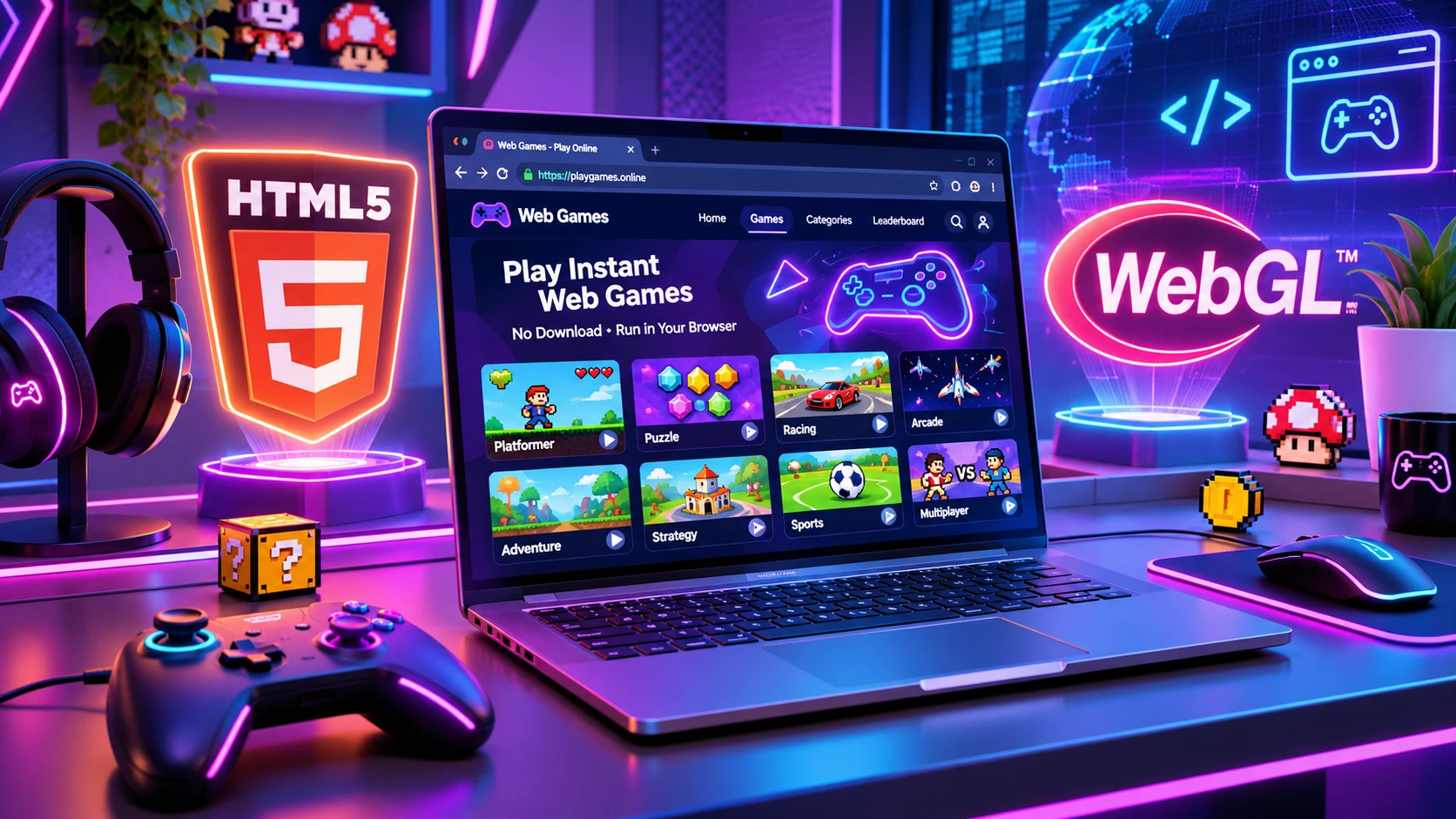
The digital gaming ecosystem has evolved rapidly over the past decade. The days of needing high-end gaming hardware, waiting hours for multi-gigabyte software updates, or downloading untrusted executable files are officially behind us. Today, instant entertainment is accessible directly inside your web browser thanks to modern open-web standards like HTML5, WebGL, and WebAudio.
Whether you need a quick five-minute mental break during a busy workday, want to test your hand-eye coordination with high-precision launcher physics, or enjoy classic retro arcade sessions, free online browser games deliver instant playability without taking up storage space on your device.
This comprehensive guide explores how modern browser games operate, breaks down player search intent, details the security advantages of zero-installation gaming, examines the technical architecture behind open-web engines, and connects you directly to our full catalog of instant-play arcade tools.
What Are Online Browser Games?
Online browser games are lightweight, highly optimized digital games executed directly inside standard web browsers such as Google Chrome, Mozilla Firefox, Microsoft Edge, and Apple Safari. They require no executable downloads (.exe or .apk), no app store installations, and no account setup.
Historically, web gaming relied heavily on third-party browser plugins like Adobe Flash, Shockwave, or Java Applets. While groundbreaking in the late 1990s and early 2000s, these legacy technologies suffered from severe security vulnerabilities, excessive CPU usage, and zero native mobile support. Modern browser games are built on standardized web technologies:
- HTML5 Canvas: Provides a high-speed rendering surface built natively into modern browsers for smooth 2D and 3D graphics.
- JavaScript & WebAssembly: Handles complex game logic, frame calculations, and real-time physics at near-native execution speeds.
- WebGL & WebGPU: Unlocks hardware graphics acceleration directly through your device GPU for steady 60 FPS performance.
- Phaser.js Engine: A powerful game development framework designed for cross-device responsive touch and mouse controls.
Technical Architecture of Modern Web Gaming
How HTML5 Canvas and WebGL Power Hardware Acceleration
Modern web browsers utilize the HTML5 Canvas element as an API-driven drawing surface. When combined with WebGL (Web Graphics Library), the browser communicates directly with your system’s Graphics Processing Unit (GPU). This enables 2D pixel manipulation and 3D mesh rendering at 60 frames per second without installing native desktop software. WebGL eliminates the traditional performance barrier between native desktop applications and web applications, allowing complex physics and multi-layered sprite animations to run smoothly inside a standard browser tab.
WebAssembly (Wasm): Bringing Near-Native Performance to the Web
WebAssembly allows code written in low-level languages like C, C++, and Rust to be compiled and executed inside web browsers at near-native execution speed. In complex web games, WebAssembly handles computational heavy-lifting such as rigid-body physics, pathfinding algorithms, and spatial collision detection. By running compiled bytecode alongside traditional JavaScript execution engines, modern web games process thousands of physical interactions per second without experiencing frame drops or input lag.
The Web Audio API: Low-Latency Soundtracks and Sound Effects
Legacy web sound mechanisms suffered from severe audio playback latency, audio context lockouts, and poor multi-channel mixing. The Web Audio API provides a sophisticated audio synthesis and processing engine inside the browser, allowing real-time sound effect layering, spatial dynamic soundscapes, and background soundtrack streaming without causing frame stutters. This ensures that every slingshot pull, pipe pass, or block collision produces immediate, high-fidelity audio feedback.
Key Benefits of Instant Browser Gaming
1. Instant Access with Zero Storage Consumption
There are no installation wizards or large setup files. Clicking a link loads the entire game directly into your device browser memory within seconds, leaving your hard drive or mobile storage completely free.
2. Complete Cross-Platform Compatibility
Because modern web games operate inside standard browser engines, a single URL works seamlessly across all devices:
- Windows PCs and Apple macOS computers
- Android smartphones and tablets
- iPhones and iPads
- Chromebooks and Linux workstations
3. Low System Hardware Demands
You do not need an expensive dedicated graphics card or 16GB of system RAM to enjoy these games. Lightweight web architecture allows smooth performance on budget laptops and mid-range smartphones without overheating or rapidly draining your battery.
4. Safe and Secure Play
Downloading executable files from external websites always carries malware or security risks. Web games operate inside a protected browser sandbox environment, ensuring that external code cannot modify or access your operating system files.
Search Intent & Game Keyword Mapping
Understanding player intent helps deliver relevant content quickly. Based on search dataset analysis, player queries naturally divide into distinct categories:
| Search Intent Category | Target Keywords | Difficulty (KD) | Monthly Volume | Content Focus |
| Arcade & Precision Physics | jumpin game, shooty fruity | 7 – 10 | 70 – 90 | Action-oriented players seeking timing, trajectory, and aim mechanics. |
| Logic & Matching Puzzles | mach 3 game | 9 | 70 | Casual players seeking spatial pattern matching and mental relaxation. |
| Educational & Math Puzzles | fun with math and reading, math & stuff | 7 – 14 | 90 – 210 | Players looking for brain training, skill building, and numeric logic. |
| Classic Card & Solitaire | crystal spider solitaire, golf solitaire crystal | 12 | 70 – 170 | Gamers seeking strategic, turn-based single-player card puzzles. |
Deep Dive into Casual Web Game Categories
1. Arcade & Precision Trajectory Games
Arcade trajectory launchers challenge players to calculate gravitational pull, release angles, and velocity curves. In games like shooty fruity or trajectory shooters, players use physical intuition—pulling back a slingshot or adjusting a launch angle—to destroy structural targets. These games combine strategic destruction with real-time physics simulation, making every shot a unique mechanical puzzle.
2. Tap-Timing & Reflex Runners
Tap-timing arcade games, similar in spirit to classic jumpin game titles, test pure motor reflexes and timing cadence. Featuring simple single-input mechanics—such as tapping a touchscreen or pressing a spacebar—players navigate moving hazards in continuous flight or jump loops. Success requires steady concentration, rhythm management, and spatial awareness.
3. Matching & Tile-Based Puzzle Games
Tile-matching games, including popular mach 3 game variations, engage spatial organization and rapid pattern recognition. Players align matching shapes, colors, or symbols to clear game boards, earn score multipliers, and trigger cascading chain reactions. These games offer an ideal balance of visual satisfaction and casual strategic planning.
4. Educational, Math & Brain Training Games
Interactive learning puzzles, such as fun with math and reading tools and math & stuff logic challenges, merge fundamental educational concepts with engaging gameplay loops. Players solve numerical puzzles, logic sequences, and memory challenges to sharpen cognitive processing speed, mental arithmetic, and logical deduction.
5. Classic Card & Solitaire Web Games
Single-player card games like crystal spider solitaire and golf solitaire crystal bring timeless tabletop strategy into the web browser. Players arrange cards according to numerical sequences, suit order, or color rules. These games provide strategic mental engagement without time-pressure mechanics, making them favorite choices for relaxing gameplay breaks.
Free Online Games Hub (Our Complete Game Collection)
Explore our growing collection of free instant-play browser games. Click any title below to start playing immediately in your browser:
1. ZAD Sling Smash
A fun physics-based trajectory launcher game where you pull back a slingshot, calculate launch angles, and smash target block towers.
- Play Now: ZAD Sling Smash Online Play
2. ZAD Flappy Wing
A retro 8-bit tap-to-fly arcade game where you time your flaps to navigate narrow vertical pipe gaps and set high score records.
- Play Now: ZAD Flappy Wing Online Play
3. Classic Brick Game Online
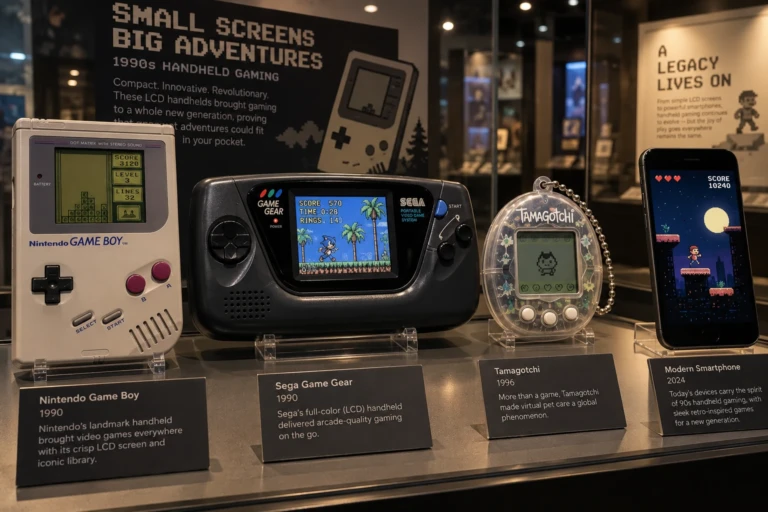
Relive nostalgic handheld arcade action with falling block puzzles, row clears, and retro speed controls right in your browser.
- Play Now: Classic Brick Game Online
4. ZAD Sky Strike
Take to the skies in ZAD Sky Strike, an intense retro arcade flight shooter where you dodge enemy fire, unleash powerful attacks, and battle for the high score right in your browser!
5. Brain Games
Challenge your memory, pattern recognition, and problem-solving skills with interactive web logic puzzles designed for all ages.
- Play Now: Brain Games Hub
6. ZAD Covert Ops
Take on high-stakes stealth missions in ZAD Covert Ops, an intense 3D tactical shooter where you navigate guard patrols, use dynamic stealth tactics, unlock weapons, and clear operations right in your browser!
- Play Now: ZAD Covert Ops Play Online
7. ZAD Panda Lander
Master atmospheric physics and gravity drift in ZAD Panda Lander, a precision rocket arcade game where you balance thrusters, manage limited fuel, and execute soft touchdowns on target landing pads.
- Play Now: ZAD Panda Lander Online Play
8. ZAD Sweet Match
Craving a fun puzzle challenge? Test your strategy and pop sweet combos today in ZAD Sweet Match — play free in your browser with zero downloads!
9. ZAD Palace Runner
Ready for a high-speed royal adventure? Jump into the action now and test your reflexes with ZAD Palace Runner directly in your browser!
Educational and Informational Child Guides
Explore our detailed sub-guides covering specialized casual game mechanics and learning resources:
- Guide 1: Physics Arcade and Jump Games Guide
- Guide 2: Brain Training and Math Games Guide
- Guide 3: Browser Solitaire and Card Games Guide
Performance Optimization Tips for Web Gaming
To guarantee smooth 60 FPS gameplay with zero input lag across desktop and mobile devices, follow these simple tips:
- Keep Your Browser Updated: Run the latest version of Chrome, Firefox, Safari, or Edge to benefit from updated WebGL graphics optimizations.
- Enable Hardware Acceleration: Ensure “Use graphics acceleration when available” is turned ON in your browser settings.
- Close Unnecessary Tabs: Closing heavy background video streams or work applications frees up system memory for smooth physics rendering.
- Clear Browser Cache Periodically: Clearing temporary web assets prevents stale script caching issues and ensures the latest game build runs cleanly.
Security, Privacy, and Safe Web Gaming
Why Browser Sandboxing Protects Your Device
Unlike desktop installers (.exe) or mobile APK packages (.apk) that request access to local system file directories, web browser games execute inside a secure “sandbox.” This security boundary prevents malicious code from reading personal local files, modifying operating system settings, or installing background software.
Privacy Benefits of No-Registration Gaming
Playing games without creating an account protects your personal information. Zero-registration web gaming platforms eliminate the risk of credential leaks, unwanted marketing emails, and tracking database storage.
Frequently Asked Questions (FAQs)
Q1: Do I need to register an account to play online browser games?
Ans: No registration is required. All games on our platform are instantly accessible as guest sessions.
Q2: Can I play these games on Android phones and iPhones?
Ans: Yes. All games feature responsive HTML5 touch controls that adapt automatically to your mobile screen.
Q3: Are these online games completely free?
Ans: Yes, all games in our collection are 100% free to play without mandatory purchases or subscriptions.
Q4: Do browser games save my progress or high scores?
Ans: Yes, most modern browser games save high scores and game progress locally in your browser’s localStorage memory, keeping your records intact for your next visit.
Q5: What should I do if a browser game stutters or lags?
Ans: Ensure hardware acceleration is enabled in your browser settings, close background tabs, and verify that your browser is updated to the latest version.
Navigation & Quick Links
- Main Pillar Page: Free Online Games Hub
- Game Tool 1: Play ZAD Sling Smash Online
- Game Tool 2: Play ZAD Flappy Wing Online
- Game Tool 3: Play Classic Brick Game Online
- Game Tool 4: Play Brain Games