Word to PDF AI: What AI Converters Really Do
Converting a Word document to a PDF is a mathematical, rule-based task, not an artificial intelligence one. At its core, the process doesn’t benefit from AI. Why? Because the software is simply translating .docx file code into visual .pdf formatting according to set, unchanging rules.
What AI can do is improve, translate, and analyze your files before and after the conversion process.
What a Genuine Word to PDF Converter Does
When you drop a .docx file into a converter, the tool reads its structured XML code (capturing your text, formatting, tables, images, and page settings) and draws that exact layout on a digital PDF page. Because it is a rule-bound process, the converter should generate the same output every single time you upload the same document.
Many online converters labeled “AI” are simply using standard conversion code while bundling in extra AI features.
+-------------------------------------------------------------+
|               STANDARD vs. AI DOCUMENT TOOLS                |
+-----------------------------+-------------------------------+
| STANDARD CONVERSION         | AI-POWERED ADDITIONS          |
| - Exact layout rendering    | - Explaining & summarizing    |
| - Locked formatting         | - Answering questions         |
| - Instant processing        | - Translating on the fly      |
+-----------------------------+-------------------------------+
How AI Can Helpful Before and After Conversion
- Text Optimization (Before): Ask an AI assistant to review, shorten, or format your Word draft before you start the conversion.
- Intelligent Summary (After): Use AI to instantly extract key takeaways or action points from a lengthy, complex PDF.
- Advanced OCR (Scans): AI-powered Optical Character Recognition can translate images and scanned pages into editable text.
- Language Translation: AI excels at translating documents between languages while preserving the original structure.
Be Careful with Confidential Information
Many AI tools require your document to be processed on cloud servers or shared with AI providers for training. For public files or flyers, this is generally fine—but always use caution before uploading sensitive contracts, financial records, or personal documents to an AI platform. Learn how to protect your privacy in Is It Safe to Convert Word to PDF Online?.
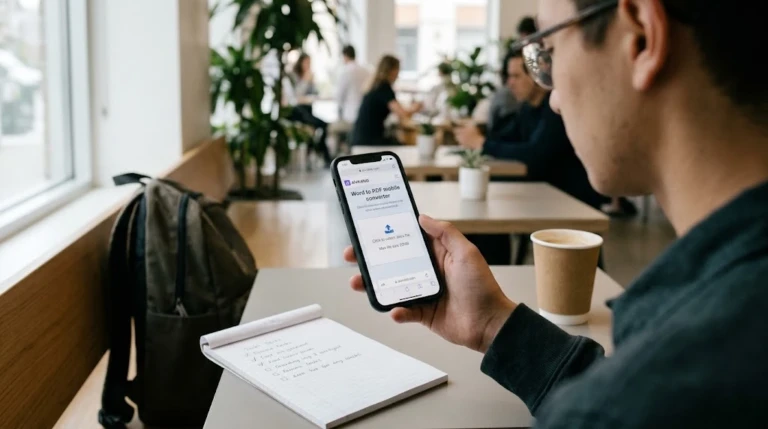
When security is your priority, stick to browser-only tools that process files locally.
The Right Tool for Your Task
| Your Goal | Recommended Tool |
| Quick, private conversion | A browser-only, offline-first converter |
| Summarize or query a lengthy PDF | An interactive AI Assistant (after converting) |
| Extract text from scans | An OCR processing tool |
| Translate a document | AI Translation before converting |
For a complete guide to optimizing and converting your files, see our Word to PDF Converter Guide.
Frequently Asked Questions (FAQ)
What makes an “AI” file converter different from a standard tool?
The core conversion remains exactly the same. The “AI” aspect typically includes extra features like document summarize, interactive Q&A chatbots, and translation.
Can AI improve the layout and formatting of my converted PDF?
No. Image and text alignment is determined by fixed formatting code, not AI. Use Microsoft Word to fix any formatting errors before converting.
Will using an AI converter compromise my document privacy?
It can if the tool uploads your files to external servers or uses your data to train AI models. Check the privacy policy and use local, browser-only tools for private files.