5 Common Invoicing Errors That Delay Payments and How to Fix Them
📊 Free Tool: Avoid billing mistakes by using our automated Small Business Invoice Generator.
Delayed client payments are rarely intentional non-payment; more often, they are caused by administrative errors on the invoice itself. A single wrong billing detail can force accounts payable departments to reject your submission and reset approval timelines.
Here are the 5 most common invoicing mistakes small businesses make and how to eliminate them completely.
1. Omitting Unique Invoice Identification Numbers
Corporate accounting departments require unique invoice numbers to track payment receipts and audit tax trails. When an invoice lacks a sequential tracking code (e.g., INV-2026-001), payment processors flag it as duplicate or invalid.
2. Writing Vague Deliverable Descriptions
Listing generic entries like “Design Work” or “Consulting” leads to internal billing queries. Always provide clear line items, such as “Website Homepage UI Redesign – 15 Hours @ $50/hr”.
3. Manual Mathematical and Tax Calculation Errors
Miscalculating sub-totals, applying wrong local tax rates, or forgetting discount deductions creates disputes. Automate calculations by utilizing our pre-formatted Small Business Invoice Generator.
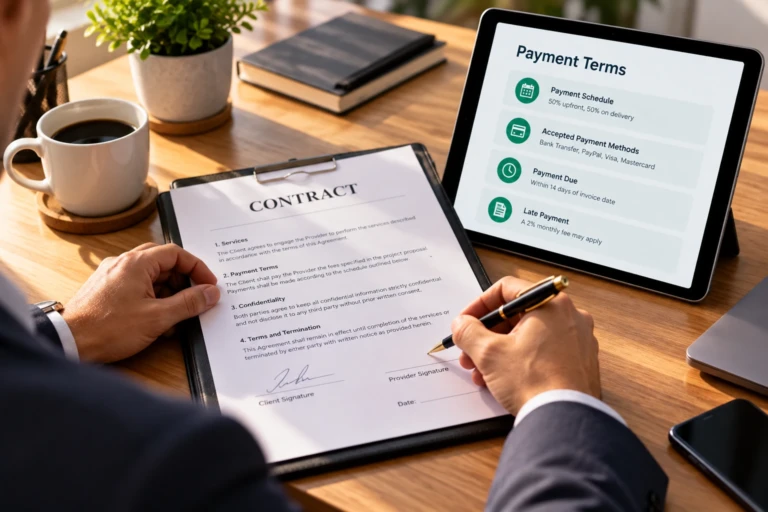
4. Failing to Specify Accepted Payment Methods
If your invoice does not explicitly state where to send money, clients will take their time asking. Include your direct bank account numbers, SWIFT codes, or payment portal URLs directly at the bottom of the invoice.
5. Sending Invoices to Project Managers Instead of Accounts Payable
Project managers approve work, but financial personnel release funds. Sending invoices directly to project managers often causes documents to sit unprocessed. Always request the exact email address for accounts payable during onboarding.
Summary Checklist for Error-Free Invoicing
- Check client business name, address, and Tax ID.
- Verify sequential invoice numbering.
- Ensure unit costs, sub-totals, and taxes compute correctly.
- Attach necessary purchase order (PO) reference codes.
To learn more about optimizing your accounting systems, read our comprehensive Small Business Invoice Guide.