AI Alt Text Writer: Smarter Image SEO
Staring at a media library filled with hundreds of unoptimized images is exhausting. Most creators either rush through image uploads by pasting the file name into the alt tag or skip it completely.
The trouble is, ignoring alt text costs you two critical wins: web accessibility compliance for visually impaired readers using screen readers, and high-intent organic traffic from Google Image search.
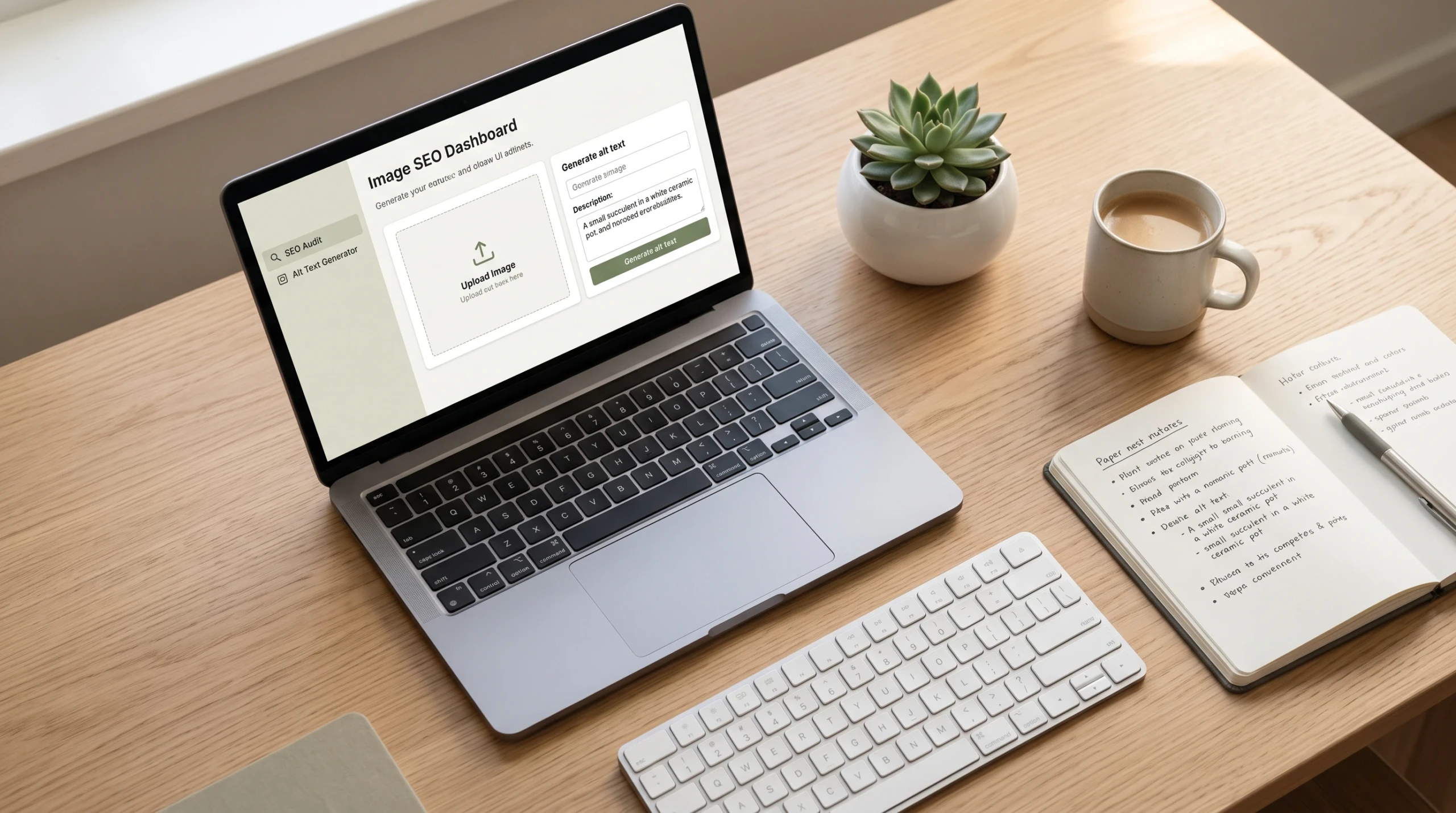
The zad-ai-alt-text-writer solves this by turning image analysis into clear, natural descriptions in seconds.
⚡ Quick Download & Access
Automate your image descriptions in one click.
[Download zad-ai-alt-text-writer / Launch Web Extension]Free version available • No API setup required • WCAG 2.2 Compliant
What Makes This Tool Practical & Effective?
Writing alt text manually requires balancing screen-reader clarity with search engine relevance. Here is how this tool streamlines that workflow:
- Context-Aware Visual Analysis: Instead of generic labels like “shoes on a table,” the tool identifies color, angle, setting, and product nuance to craft rich, useful descriptions.
- Accessibility-First Output: Descriptions strictly adhere to WCAG (Web Content Accessibility Guidelines), avoiding repetitive filler like “image of” or “picture showing.”
- Natural SEO Integration: The generator seamlessly aligns your primary target keywords with image context without spammy keyword stuffing.
- Bulk Processing Ready: Handles everything from single blog header graphics to entire e-commerce SKU catalogs in minutes.
How to Use It for the Best Results
- Upload or Link Your Image: Drop your JPEG, PNG, or WebP file directly into the tool, or input your live staging URL.
- Provide Target Focus (Optional): Enter your page’s primary target keyword so the AI understands the editorial context.
- Select Tone and Detail Level: Choose between concise (standard e-commerce tags) or detailed (editorial, charts, and technical diagrams).
- Review and Copy: Scan the generated description, make any minor brand adjustments, and paste it straight into your CMS or HTML
alt=""attribute.
Who Is This For?
- E-commerce Managers: Teams managing Shopify, WooCommerce, or Magento stores with thousands of product photos needing clear descriptions.
- Bloggers and Content Marketers: Creators publishing long-form articles who want to capture search traffic from image queries.
- Web Developers & Agencies: Teams auditing client sites to meet ADA and WCAG accessibility standards before launch.
- Social Media & Community Managers: Professionals publishing graphics who want to make their feeds accessible to all users.
Frequently Asked Questions
Does Google penalize AI-generated alt text?
No. Google prioritizes descriptive, helpful text that matches the visual context of the image. As long as the description accurately reflects the content and avoids keyword stuffing, AI-generated alt text is fully search-compliant.
Why shouldn’t I write “photo of” in my alt text?
Screen readers automatically announce an image element to the user before reading the alt attribute. Including phrases like “image of” or “picture of” creates redundant audio for visually impaired visitors.
How long should ideal image alt text be?
Keep alt text between 80 and 125 characters when possible. Most popular screen readers cut off or fragment descriptions that run excessively long.
Unlock Clean, Accessible Image SEO
Neglecting image tags leaves valuable organic search traffic and web accessibility compliance on the table. Automate the repetitive work so you can focus on building standout content.